Overview
StoreBoost Pro is a Shopify performance and SEO platform built for store owners, agencies and growth teams. It runs deep audits across Core Web Vitals, on-page SEO, image health, the link graph, AI readiness, E-E-A-T signals and Shopify-specific issues, then turns every finding into a concrete fix you can ship.
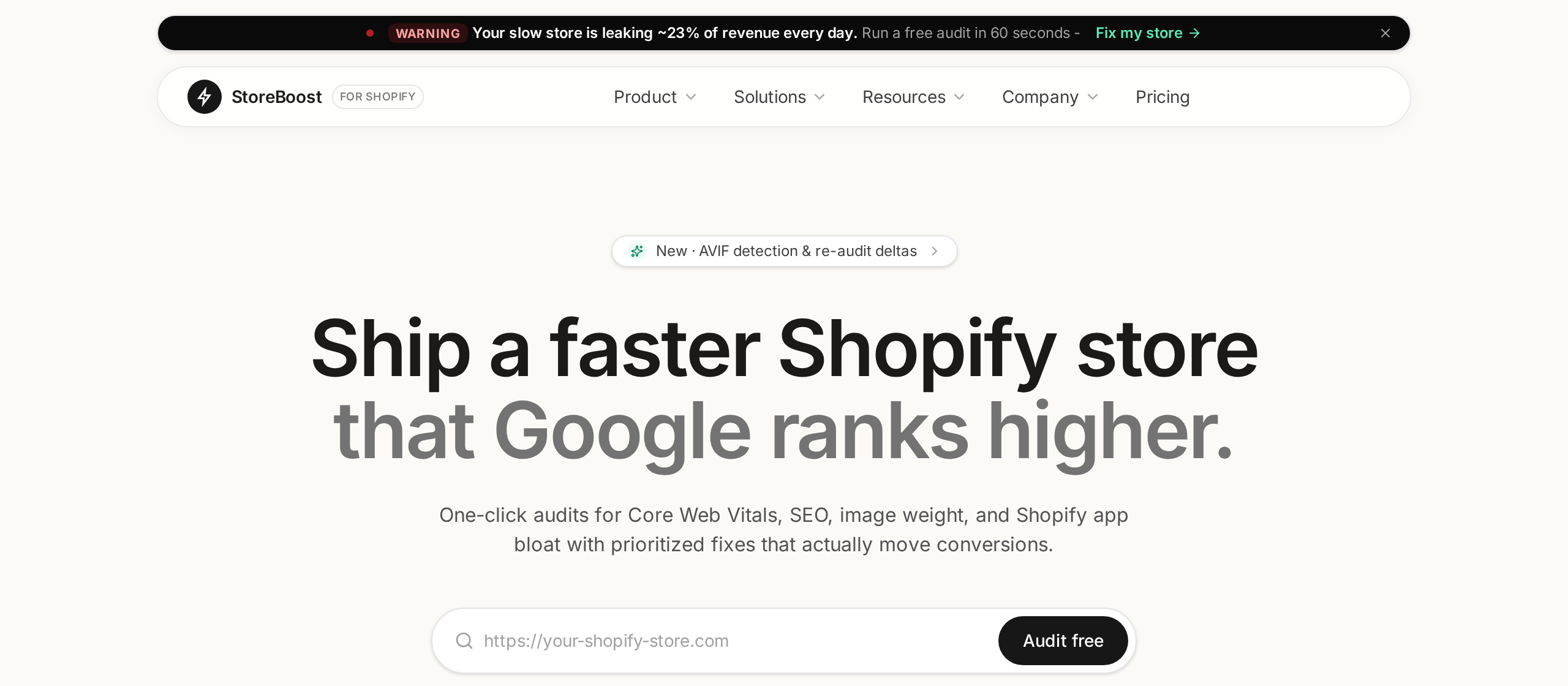
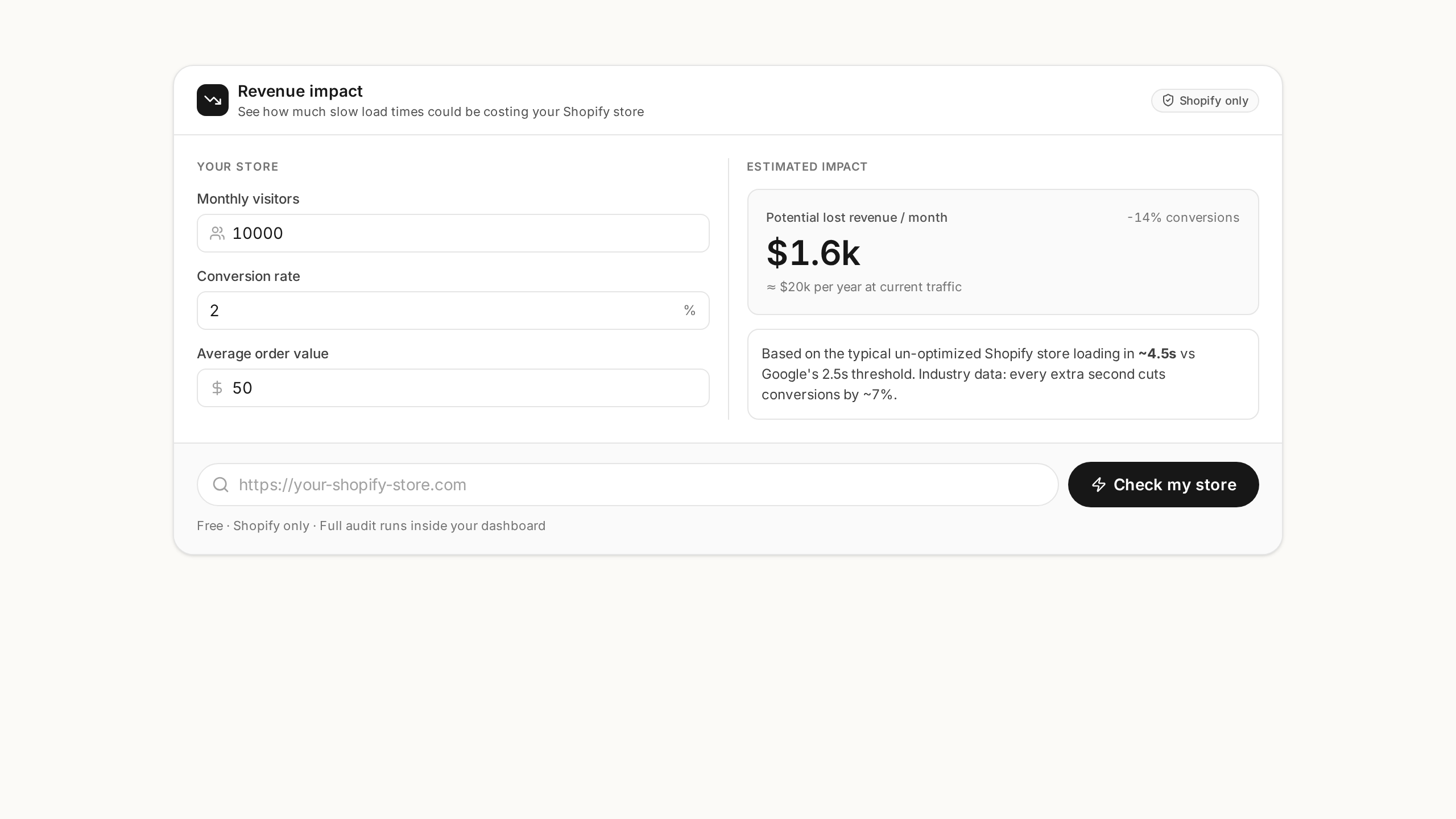
- Free demo audit from the homepage, no signup required.
- Real-time progress with live terminal-style logs and score deltas.
- 10 specialist panels: Technical, Vitals, On-Page, Images, Links, Issues, Shopify, AI Readiness, E-E-A-T, Strategy.
- Team collaboration with Owner / Admin / Viewer roles and seat enforcement.
Getting started
Go from zero to your first audit in under two minutes.
*.myshopify.com URL or custom domain, and confirm.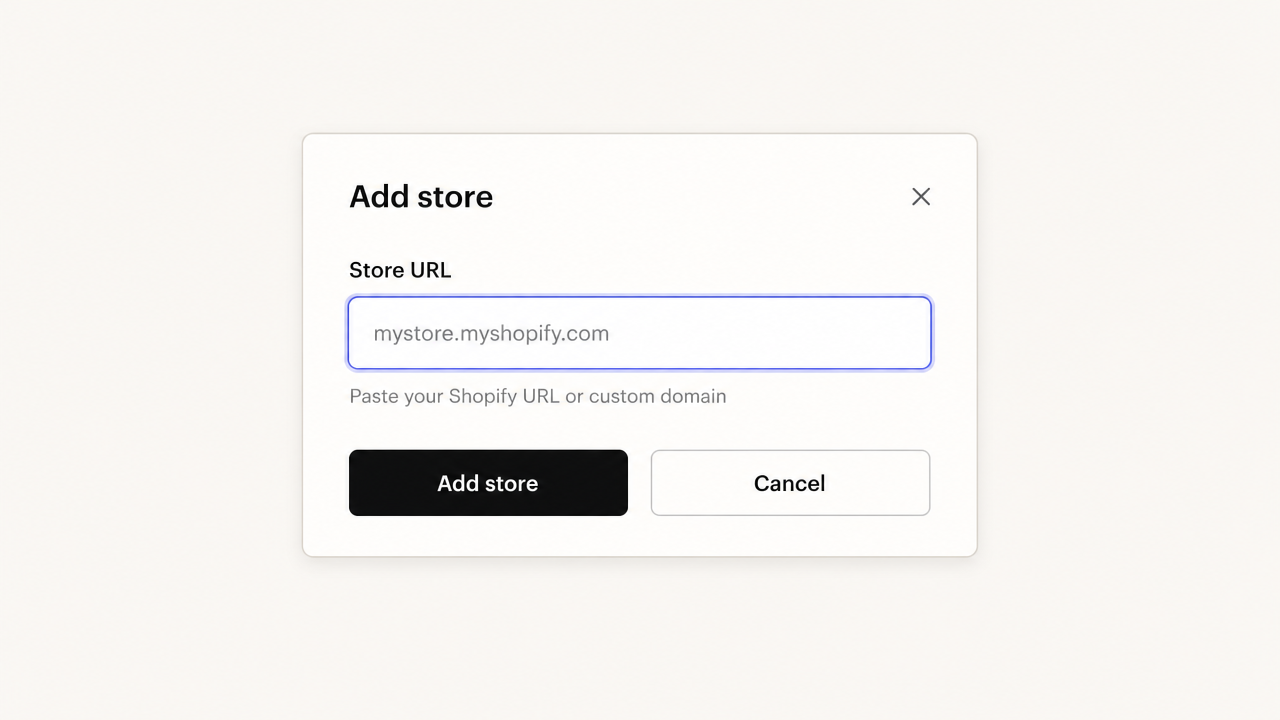
Dashboard
The dashboard is your command center across every connected store.
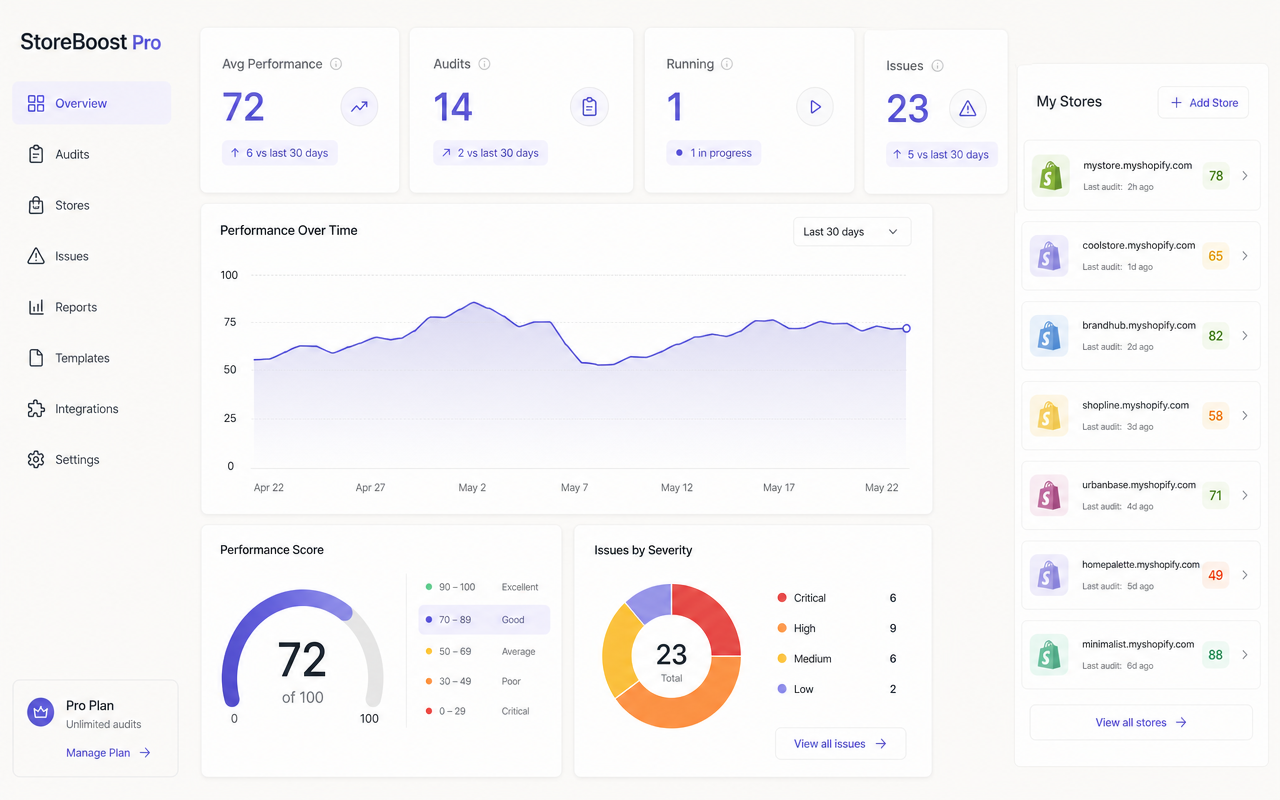
- Stat tiles - average performance, total audits, running jobs, open issues. Hover for deltas vs the previous period.
- Performance Over Time - trend line of your average score with date-range selector.
- Issues by Severity - donut breakdown across Critical / High / Medium / Low. Click any slice to filter.
- Hire a StoreBoost Pro Expert - one-click handoff to a human via live chat.
- Store cards - per-store score, status, last run, and quick actions (re-audit, open, remove).
Stores & limits
Stores are scoped to your team. Plan limits are enforced server-side and cannot be bypassed by the UI:
| Plan | Stores | Seats | Monthly audits |
|---|---|---|---|
| Free | 1 | 1 | 10 |
| Pro | 10 | 5 | 500 |
Removing a store requires typing its full domain to confirm. All audit history, scores, screenshots and AI strategy notes for that store are permanently deleted and cannot be recovered. Export anything you want to keep first.
SEO Audit Suite
Every audit produces 10 specialist panels accessible from the store sidebar.
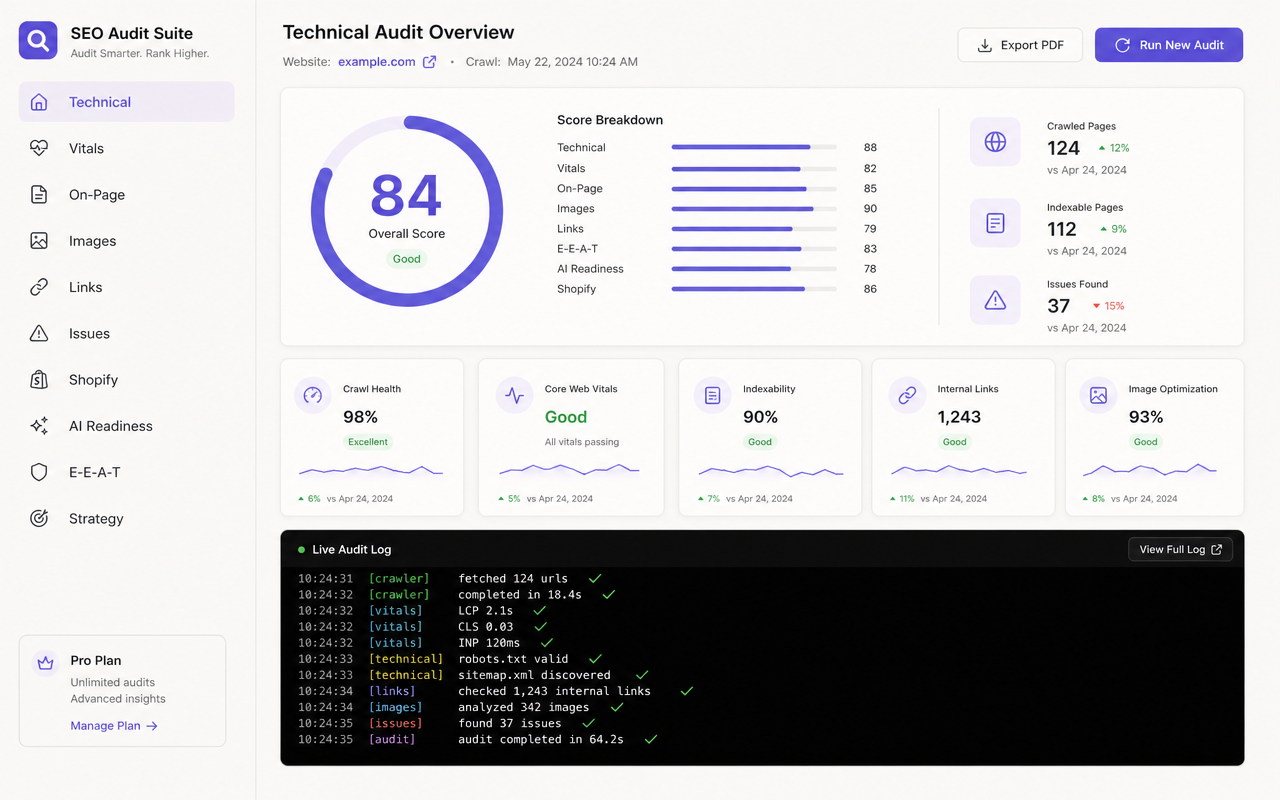
A running audit can be cancelled at any time from the live log toolbar. Cancelled jobs unblock the queue immediately so you can start a fresh run.
Theme & App Detector
The Inspector identifies the active Shopify theme, all installed public apps, payment gateways and analytics tools on any store - even ones you don't own.
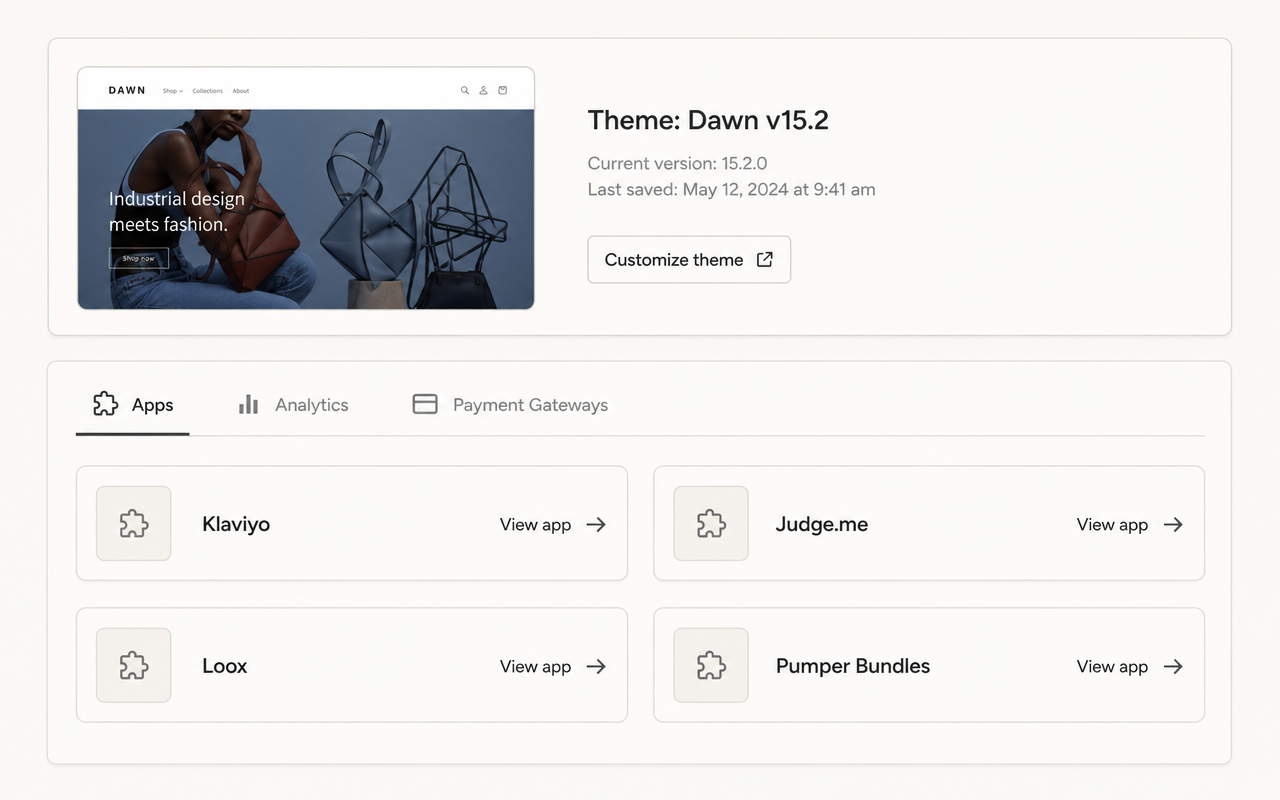
- Theme detection with version, last save date and customize link.
- Apps tab with official icons and direct App Store links for each detection.
- Analytics tab for tracking pixels and analytics tools (GA4, Klaviyo, Meta, TikTok).
- Payment Gateways tab showing accepted methods and providers.
Team & roles
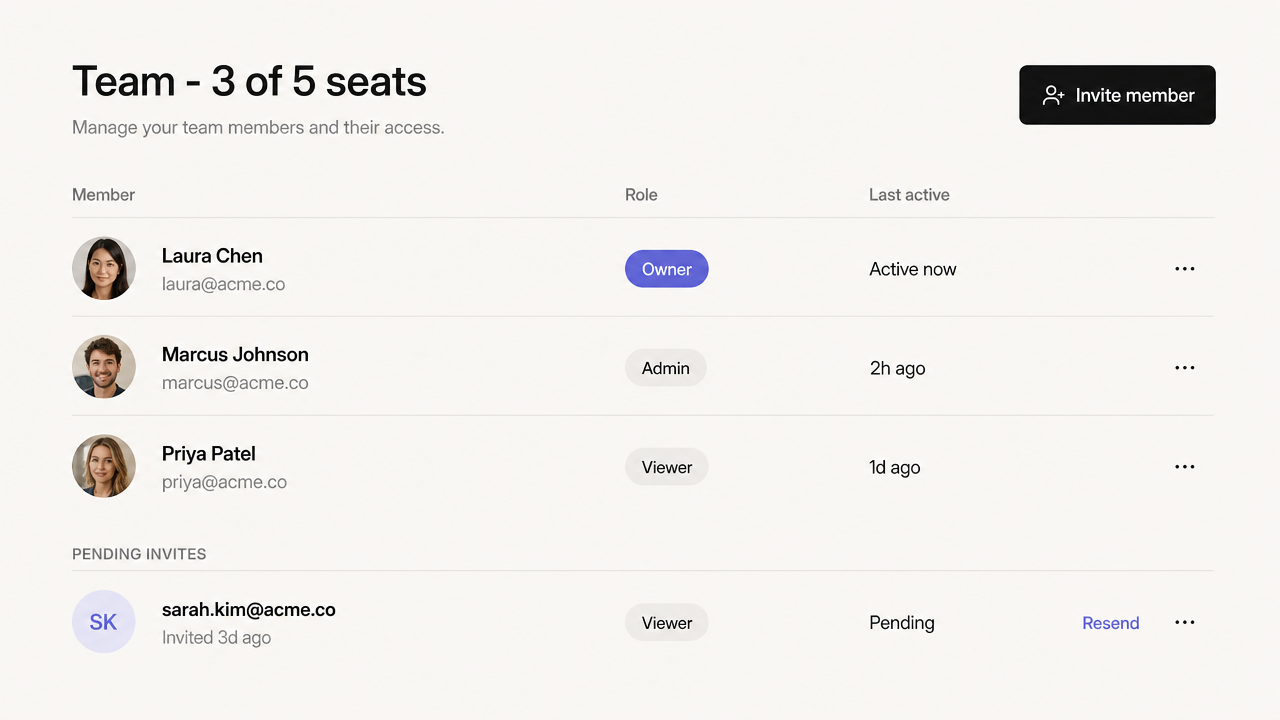
Invite teammates and assign granular roles. Pro plans support up to 5 seats.
| Role | Permissions |
|---|---|
| Owner | Full control: billing, members, stores, audits, deletes. |
| Admin | Manage stores, run audits, invite members. No billing. |
| Viewer | Read-only. Cannot run audits, edit, or download Liquid. |
Billing & plans
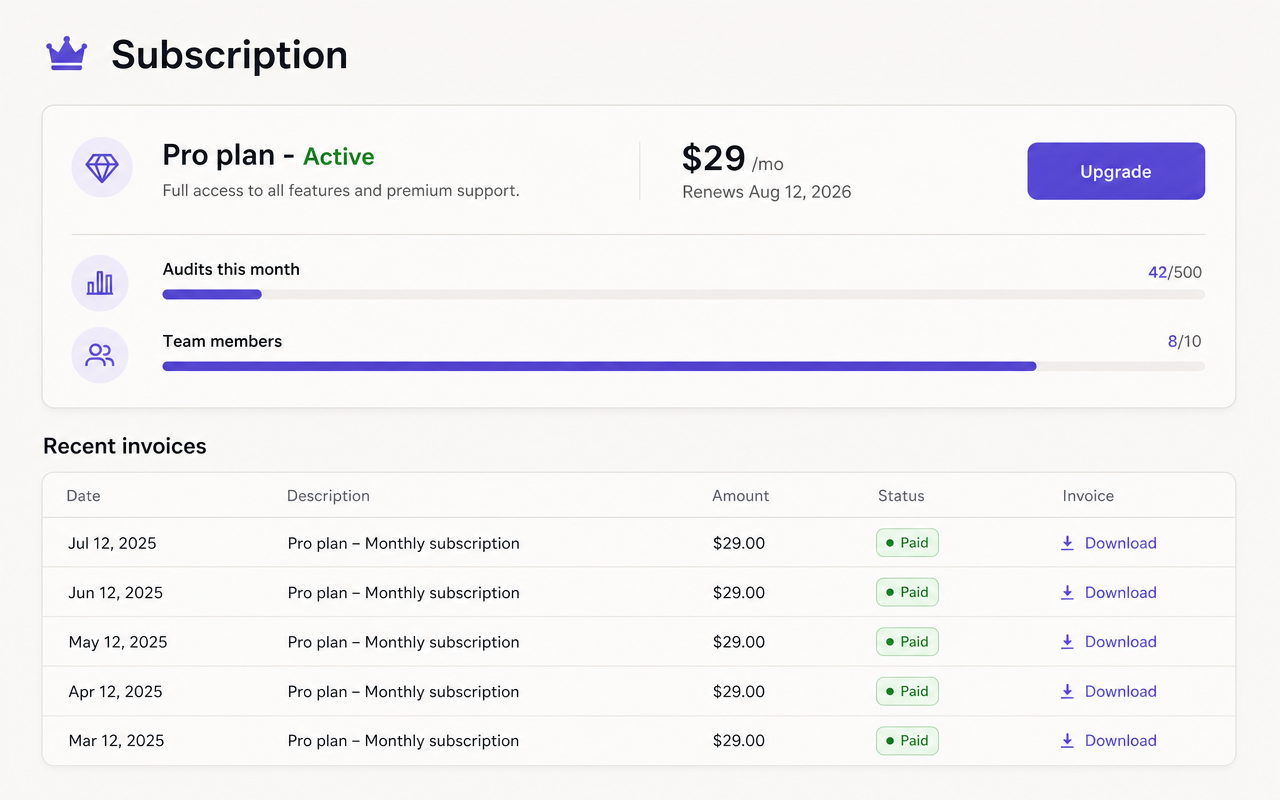
Subscriptions are processed by Creem.io. The Billing page shows your current plan, renewal date, monthly usage and a full payment history.
Support & live chat
The Support widget (bottom-right of every authenticated page) offers two channels:
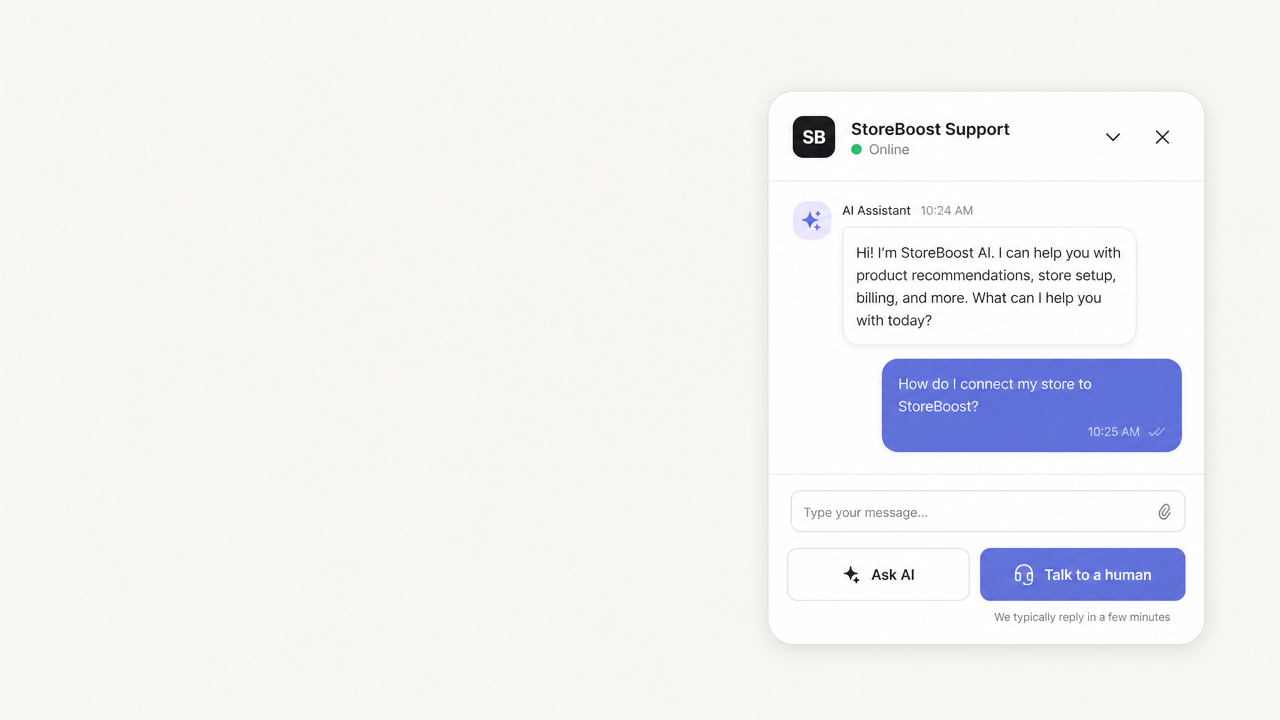
- AI assistant - instant answers grounded in this documentation. Best for product questions, how-to and troubleshooting.
- Talk to a human - hands off to a live agent via Crisp. We typically reply within 1 hour during business hours.
Once a live session opens, the conversation persists across page refreshes so you never lose context with an agent.
Hire a StoreBoost Pro Expert
Need the fixes implemented for you? Click Hire a StoreBoost Pro Expert on the dashboard. A certified Shopify expert will review your audit and execute the highest-impact changes - theme edits, Liquid optimisations, image compression, schema markup, redirects, Core Web Vitals fixes. Scoping and quote happen in live chat; implementation kicks off as soon as you approve.
Security & privacy
- Strict per-team data isolation - you only ever see your own stores, audits and members.
- All traffic encrypted in transit; credentials and tokens never reach the browser.
- Incoming webhooks are cryptographically verified before any data is processed.
- Audit jobs run in isolated environments with per-job rate limits.
- You can delete a store at any time to permanently remove its history.